How do credits work in Carousel Studio?
Carousel Studio works on a usage-based billing model. You pay for the number of credits you use.
How credits work
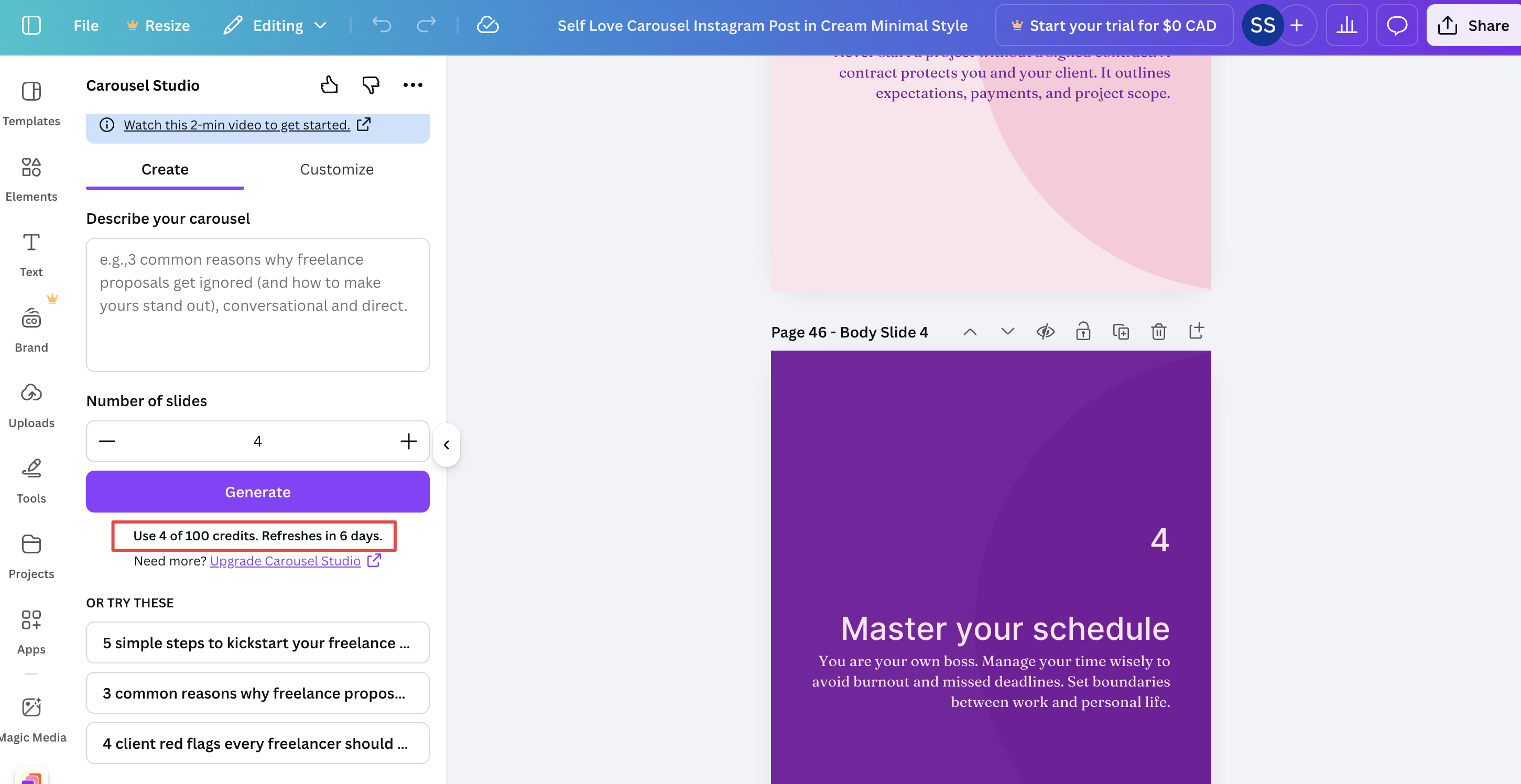
You can see how many credits you currently have in the Canva App below the "Generate" button.

- Each body slide costs 1 credit. Intro and end slides are always free.
- Adding an image to your intro slide costs 1 extra credit.
When you go the create the carousel, you see be able to see how many credits it will cost right away.
To get credits, you need to upgrade to the PRO plan.
How to upgrade to the Pro plan
The PRO plan gives you 500 credits per month, enough for roughly 100 carousels. The credits reset every month on the 1st of every month. To learn more about pricing and billing, see [Pricing](Credits in Carousel Studio/pricing).
You can upgrade to the PRO plan at any time with a 3-day free trial.

- Click on "Upgrade to Pro" link in Carousel Studio App.
- Notice that on the top right corner, you are logged in as the Canva user.
- Go to the Pricing page on the website and upgrade to PRO.
How to get free credits
If you want to get free credits, you can:
1. Log in with Google for 5 free credits
Scroll to the bottom of the Carousel Studio app and click the "Log in with Google" button. 5 credits are added to your account immediately.
Get free credits in Carousel Studio App
2. Start a 3-day free trial for 50 credits
Start a free trial to get 50 credits with full access to all PRO features. If you cancel before the trial ends, you will not be charged.
